Learn
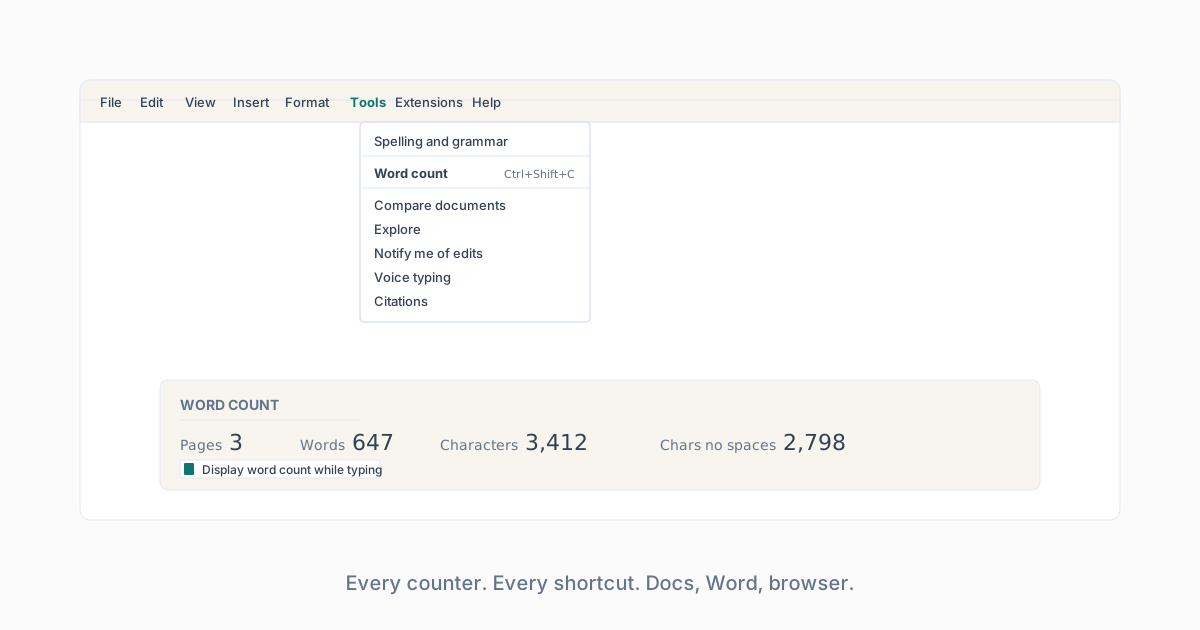
Microsoft’s own support article confirms the status bar behavior, the Review-menu dialog, and the textboxes/footnotes/endnotes toggle. Microsoft Word count help.
Learn
Word Counter in Microsoft Word
Status bar, Review menu, selection count, and what Word counts differently than the browser.
The status bar
Word 365 shows a live word count on the bottom-left of the status bar by default. If yours is missing, right-click the status bar and tick Word Count.
The Review menu
Review › Word Count. Opens the dialog with pages, words, characters, characters with spaces, paragraphs, and lines. Ticking “Include textboxes, footnotes and endnotes” adds those to the total.
Selection count
Select any block. The status bar switches to “X of Y words” showing selection and total.
What Word counts differently
- Word tokenizes hyphenated compounds as one word (same as this counter and as Google Docs).
- Word by default excludes footnotes; the browser counter includes all pasted text.
- Word strips hidden text; some hidden characters that a naive counter includes will not show in Word’s number.
Cross-check with the browser counter
Paste Word’s body into the homepage counter and compare numbers. Discrepancy above 2 percent usually points at footnotes, textboxes, or hidden characters.